
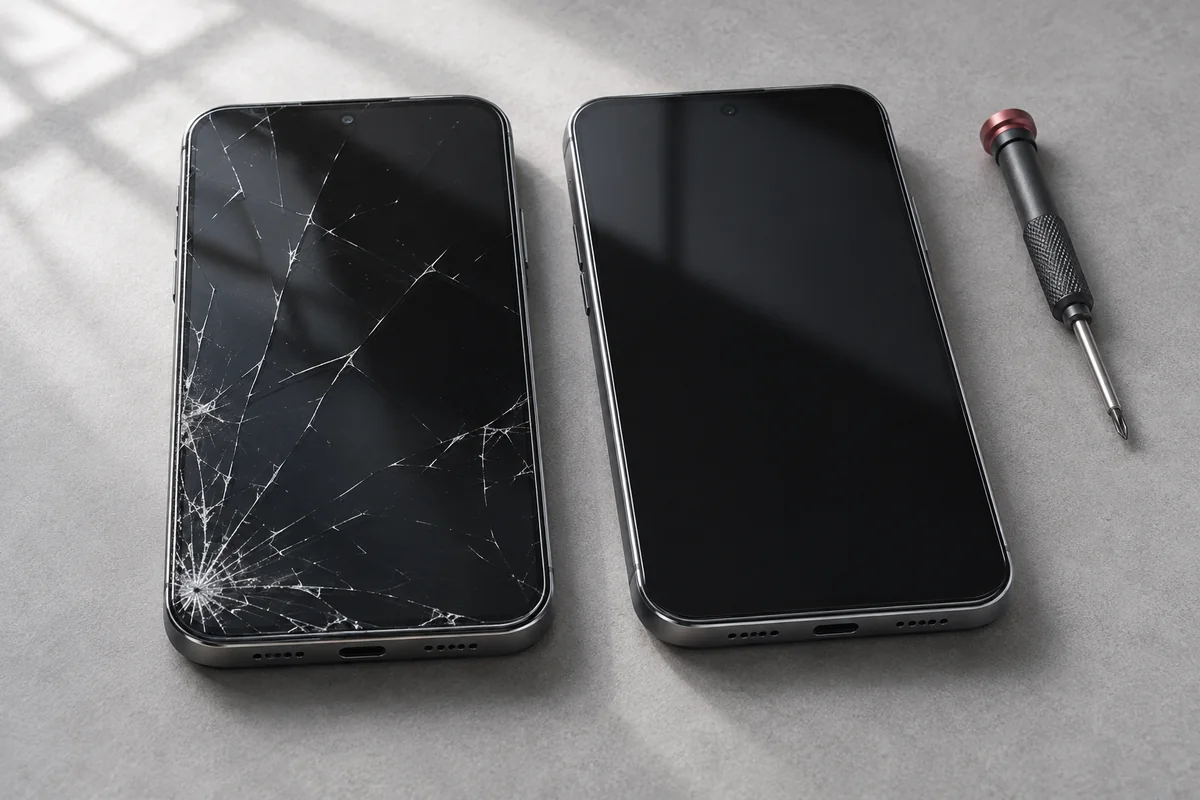
A cracked screen or a battery that barely lasts until lunch does not automatically mean you need a new phone. Start with three questions: what is actually wrong, what will it cost to fix, and will the phone still meet your needs afterwards?
Repair is worth considering when one fault is affecting an otherwise useful phone. Replacement deserves a closer look when several expensive problems overlap, important software support has ended, or the device no longer does what you need. Get a model-specific assessment before deciding.
1. Separate the symptom from the diagnosis
“My phone is broken” can describe very different jobs. A cracked display that still responds to touch is not the same as a device that will not power on after liquid exposure. The symptom tells us where to start; it does not establish which part needs replacing.
Write down what still works. Does the phone ring? Can you see an image? Does it charge with another compatible cable? Did the problem start after a drop, an update or a spill? Include the complete model, such as iPhone 14 Pro or Samsung Galaxy S23, rather than just the brand.
A weak battery can be a repair question
If the screen, cameras and other features still suit you, poor battery life is a reason to investigate the battery before replacing the whole device. Apple explains that rechargeable batteries lose capacity and peak performance as they age. A replacement may help when an aged battery is the cause, but battery drain can also have other explanations.
Check the battery information available on your phone and describe your actual experience: shorter runtime, unexpected shutdowns or charging trouble. A percentage alone is not a complete diagnosis. Our iPhone repair page explains the information needed for a battery or screen enquiry.
2. Compare the full repair and replacement costs
Ask for a quote for your exact model and fault. Find out what the proposed work includes, whether further diagnosis is needed, what parts options are available and which functions will be tested. Ask about any relevant repair coverage and limitations before approving the work.
Then compare that total with a replacement you would actually buy. The newest flagship is not the only alternative: a suitable new or pre-owned phone may be a more realistic comparison. Include tax, accessories you would need to replace, setup costs and any financing balance or trade-in conditions that apply to you.
There is no universal rule that repair must cost less than a particular percentage of a new phone. A relatively inexpensive repair can still be poor value if the device has other major problems. A more substantial repair may be worthwhile if it restores a phone that already meets your needs.
If a repair costs $150 and you expect to use the phone for another year, that works out to $12.50 per month. This is an illustrative calculation, not an UrbanPlug quote or a promise that a repair will last a year. The point is to compare what each option gives you over a realistic period.
3. Check software support and the rest of the phone
A hardware repair cannot extend a manufacturer's software-support commitment. Before investing in an older device, check support for the exact model with its manufacturer. Security updates and compatibility with the apps you rely on should be part of the decision. Google's Pixel update guide, linked below, shows why support needs to be checked by model.
Also consider the phone as a whole. Is the frame damaged? Are the cameras reliable? Is storage sufficient for your daily use? Has it developed several unrelated faults? Describe previous repairs and any liquid exposure so the assessment can take them into account.
For a phone that will not start, decide whether your immediate priority is using the device again or recovering important files. Those are different goals. Repair and data recovery cannot be guaranteed, and replacing the handset does not itself recover files stored only on the old one.
4. Use this decision guide
| Your situation | A useful next step |
|---|---|
| One damaged part; the phone otherwise suits you | Get a repair quote and compare the total cost. |
| Several faults or substantial physical damage | Ask for an assessment before committing to one repair. |
| Updates or essential apps are no longer supported | Compare replacement options as well as repair costs. |
| Important files are only on an unusable phone | Discuss data priorities before any repair, reset or disposal. |
It is also reasonable to choose replacement because your needs have changed. More storage, a feature you now need, or better accessibility may matter more to you than keeping the same handset. A useful assessment should help you make that choice without assuming every device must be repaired.
5. Prepare for a useful repair conversation
- Find the full brand and model, using the packaging or purchase record if the screen is unusable.
- List the symptoms, when they started and any previous repairs or damage.
- Back up your data if the phone is usable and you can do so safely.
- Tell us if preserving data is your main priority.
- Keep passwords, device passcodes and other sensitive information out of the online enquiry.
You do not need to decide before contacting us. Send the details through our quote form, or visit UrbanPlug at 216 Oak Park Blvd, Unit 15, Oakville. We can discuss the next step for iPhone repairs, Samsung repairs and other supported devices. If replacement makes more sense for you, ask about our phone sales and trade-in options.