
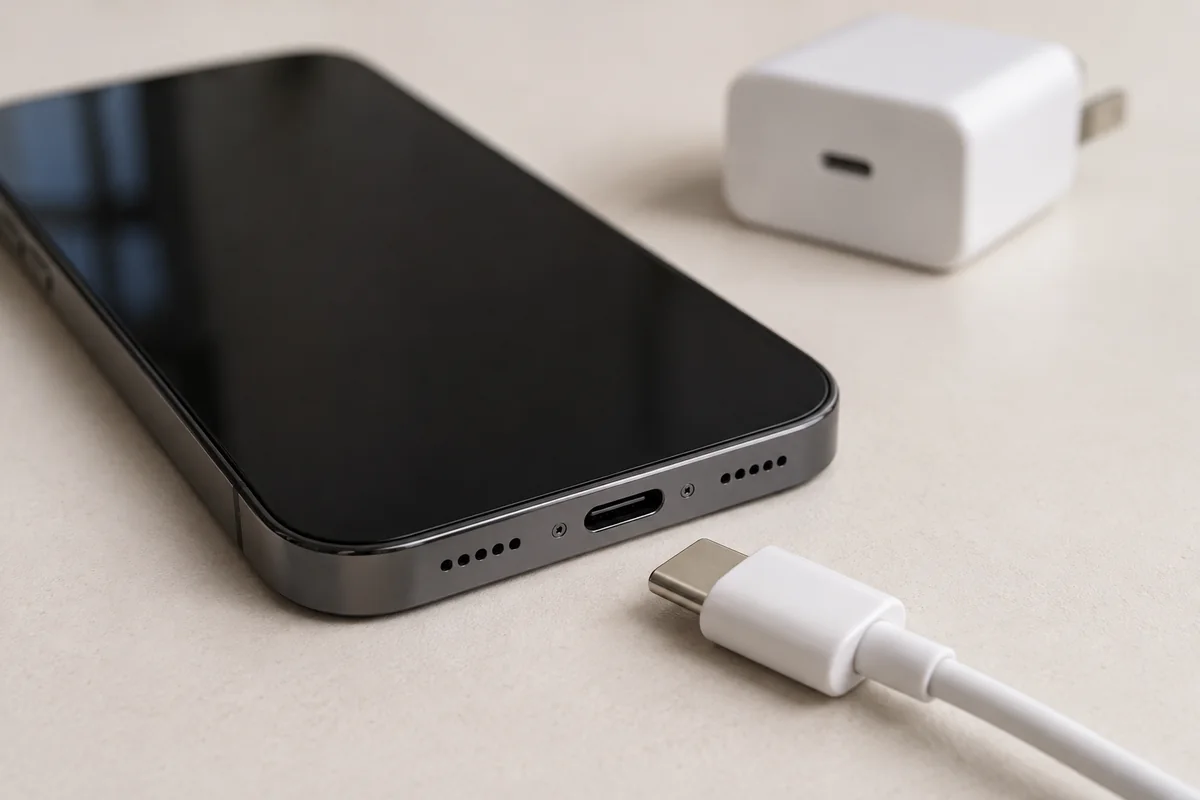
You plug in your phone, come back a few minutes later, and the battery percentage has barely moved. Before assuming it needs a new battery or charging port, narrow down what is happening. A few careful checks can make your next step clearer.
Start with the power outlet, a compatible cable and charger, and the message on your screen. Stop testing if the phone is wet, visibly swollen or unusually hot. If charging remains unreliable, bring the phone and the accessories you tested for an inspection rather than guessing which part to replace.
1. Rule out the outlet, cable and adapter
Use a wall outlet you know works and a charger intended for your phone. Check the cable and adapter for visible damage first. Retire accessories with frayed insulation, bent connectors or other damage; holding a damaged cable at just the right angle is not a useful long-term fix.
Change one thing at a time: try another compatible cable, then another suitable adapter or outlet. This gives you a clearer result than swapping everything together. A cable that fits the socket is not necessarily suitable for your phone's fastest charging mode.
If the phone starts charging, note exactly which combination worked. You may only need an accessory, but one successful test does not prove that every part of the phone is healthy. If it remains unresponsive, follow the manufacturer's charging and restart instructions for your exact model, linked below.
2. Inspect the port without digging into it
Disconnect the charger and turn off the phone before looking into the port with a light. Does the connector appear damaged? Is there visible debris? Does the plug sit differently from how it used to? Do not force it into place.
A visual check is enough at home if you are unsure. Avoid poking inside with a pin, paper clip or other object, and do not pour cleaning liquid into the connector. A professional inspection can distinguish compacted debris from a damaged connector without turning a small problem into a larger one.
Tell the technician if the cable only works at an angle or disconnects when the phone moves. Those details help reproduce the fault, but they do not establish whether the cable, port or another component needs attention.
3. Read the message before trying again
Liquid or moisture detected
Unplug the cable and follow your manufacturer's drying guidance. Avoid heat, rice and compressed air. Do not repeatedly reconnect a wet connector to see whether the alert has disappeared. Apple and Samsung both explain that moisture detection can pause wired charging to protect the device.
Charging paused or stopping below 100%
A charging limit does not automatically mean the battery has failed. Check the phone's battery settings and any on-screen explanation. Depending on the model, battery protection settings or temperature controls may intentionally slow or pause charging. Let a hot phone return to a normal temperature naturally; do not put it in a fridge or freezer.
Keep a screenshot of any recurring message. The exact wording is more useful than “it gives an error,” especially when the phone behaves normally by the time you arrive at the store.
4. Separate slow charging from no charging
These are useful observations to bring to a repair conversation. They are clues, not a diagnosis.
| What happens | What to note |
|---|---|
| No response when plugged in | Which compatible cables, adapters and outlets you tested, and whether the phone still turns on. |
| Charging starts and stops | Whether it happens without moving the phone, with one cable or with several. |
| The percentage rises slowly | The charger used, any warning message, and whether the phone is heavily in use. |
| It charges but soon runs flat | How long it lasts afterwards and whether there are unexpected shutdowns. |
A phone that accepts power but loses charge quickly raises a different question from one that never recognises a cable. Avoid ordering a battery or port replacement based only on the symptom. Ask what testing supports the proposed repair and whether any other faults need checking.
5. Know when to stop testing and book an inspection
Stop using and charging the device if the battery appears swollen, the casing is separating, or there is unusual heat or a burning smell. Do not press the casing back together or attempt to puncture or remove the battery. Seek appropriate professional help before further handling.
For a phone that is otherwise safe to use but still charges unreliably after the basic checks, prepare these details:
- The full model name, rather than just “iPhone” or “Samsung.”
- When the problem began and whether it followed a drop, spill or previous repair.
- The charging accessories you tested and any warning screenshots.
- Whether preserving files is your main priority. Back up a working phone if you can do so safely.
Keep passwords and device passcodes out of the online enquiry. Bring your charging cable and adapter if they are undamaged so the issue can be discussed alongside the phone.
UrbanPlug at 216 Oak Park Blvd, Unit 15, Oakville can help you explore the next step. See our iPhone repair or Samsung repair pages, then request a quote with the model and symptoms. If the assessment leaves you weighing up a repair against another device, read Repair or replace your phone? How to decide.