
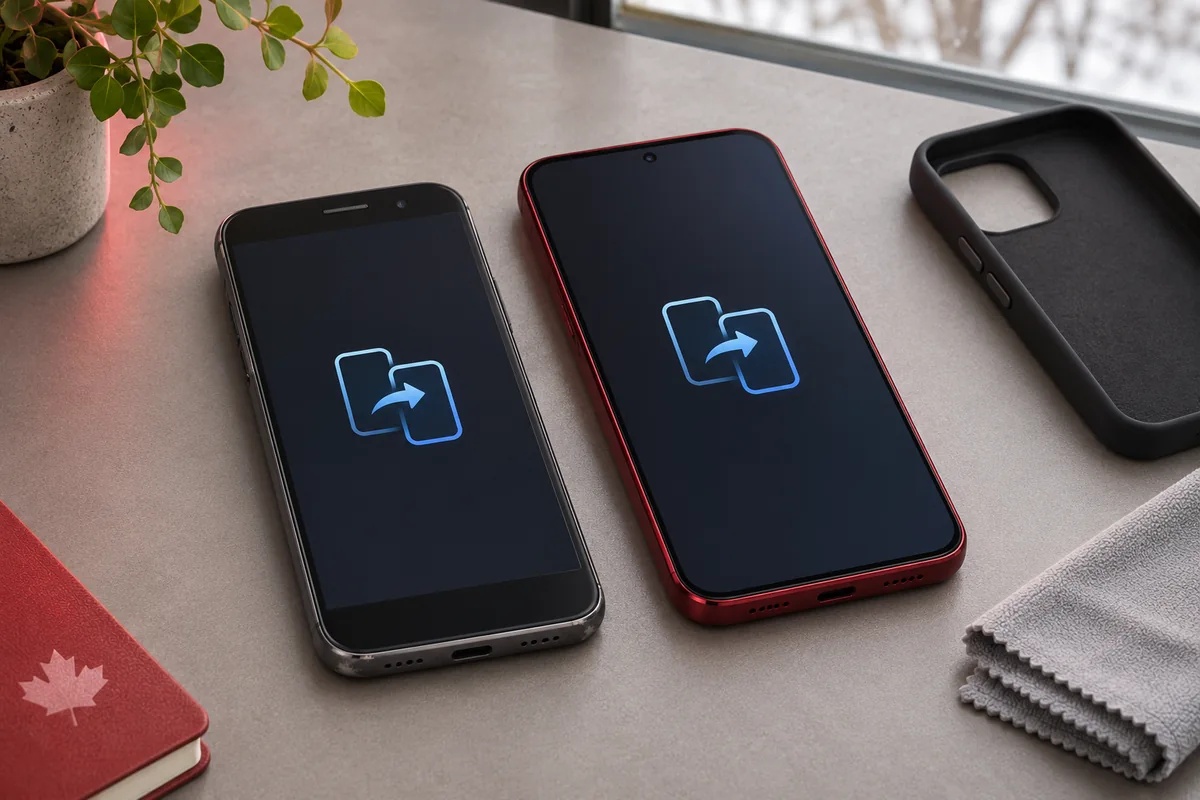
Upgrading your phone? Start with an estimate and a backup. The last step is erasing the old phone, after you’ve checked that your data and phone number work on the replacement.
Check your model and condition → back up and transfer → test your new phone → remove accounts and erase the old phone before handing it over.
1. Check the details that affect your offer
On an iPhone, go to Settings → General → About for the model name and storage capacity. On a Galaxy, start with Settings → About phone for the model and search Settings for “Storage.” Select the phone’s total storage capacity, not how much space you have left.
Take the case off and look at the screen, back and frame in good light. If the phone works normally, check that the screen responds, the cameras open and the phone charges. On iPhone, search Settings for “Battery Health” and note the maximum capacity if the estimate asks for it. Report cracks, charging trouble or other faults when you choose the condition. That gives you a more useful estimate before you come in.
If the phone is damaged, compare the estimate in its current condition with what you’d get after repair, minus the repair cost. For example, paying $120 for a repair that adds $80 to the offer leaves you $40 worse off. Our repair-or-replace guide can help you think through the options if you might keep the phone.
2. Back up, transfer and check what came across
Back up the old phone before setting up the replacement. Once the transfer finishes, open the things you’d miss most: recent photos, contacts, notes, files and important chats. Some apps have their own transfer or backup steps. Check your authenticator app and test access to any account that relies on the old phone for a sign-in code or approval.
Make a test call and confirm that your new phone can receive a text. If you use an eSIM, confirm with your carrier that your line has moved before erasing the old phone’s eSIM. If you’re keeping an Apple Watch paired to the old iPhone, unpair it before erasing the phone so you can set it up with the replacement.
Keep the old phone intact if anything is missing or if you still need it to sign in. On an iPhone, deleting individual photos or contacts while iCloud sync is active can remove them from your other devices too. Use Apple’s erase process after the transfer instead.
3. Remove your accounts and erase the old phone
iPhone
Follow Apple’s trade-in preparation steps to sign out of your Apple Account. If you’re moving to Android, follow Apple’s steps to turn off iMessage so texts reach the new phone. If you haven’t already erased the iPhone during sign-out, go to Settings → General → Transfer or Reset iPhone → Erase All Content and Settings. Enter your own credentials if prompted. Completing Apple’s erase process turns off Find My and Activation Lock. If the phone asks whether to erase the eSIM, do so once your line works on the replacement.
Samsung Galaxy
Remove your Google and Samsung accounts from the old phone after verifying the transfer. This means removing them from that device, while keeping the accounts themselves. If your phone has an encrypted microSD card you want to keep using, check Samsung’s instructions before resetting. Then open Settings → General management → Reset → Factory data reset. Names may vary by model and software version. See Google’s old-device checklist and Samsung’s reset instructions. If you can’t sign out, recover access through the account provider before handing over the device.
4. Do one last check before handing it over
- Remove your physical SIM and any microSD card.
- Confirm the old phone starts at its welcome screen. Leave it there and keep your account passwords and verification codes private.
- If the phone won’t turn on, won’t let you sign out or still holds data you need, contact us before handing it over. An online estimate is a starting point; we confirm the offer after inspecting the phone in Oakville.